tools.UI_databank module
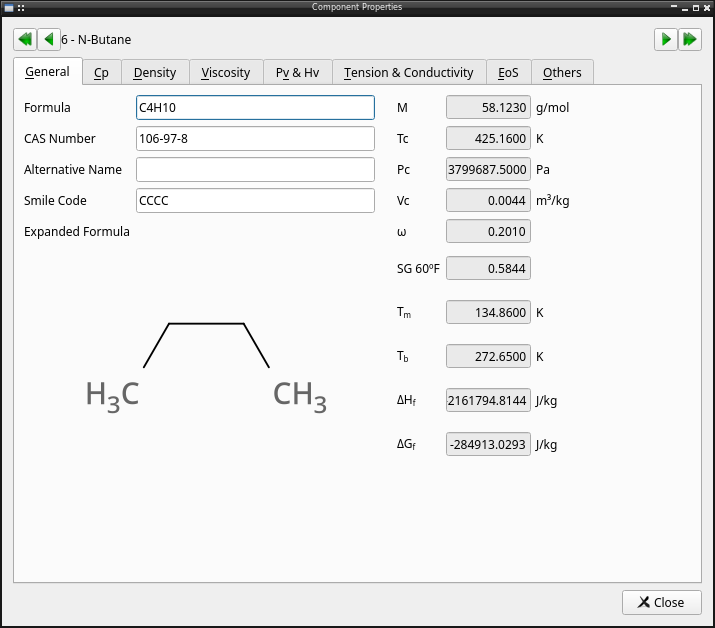
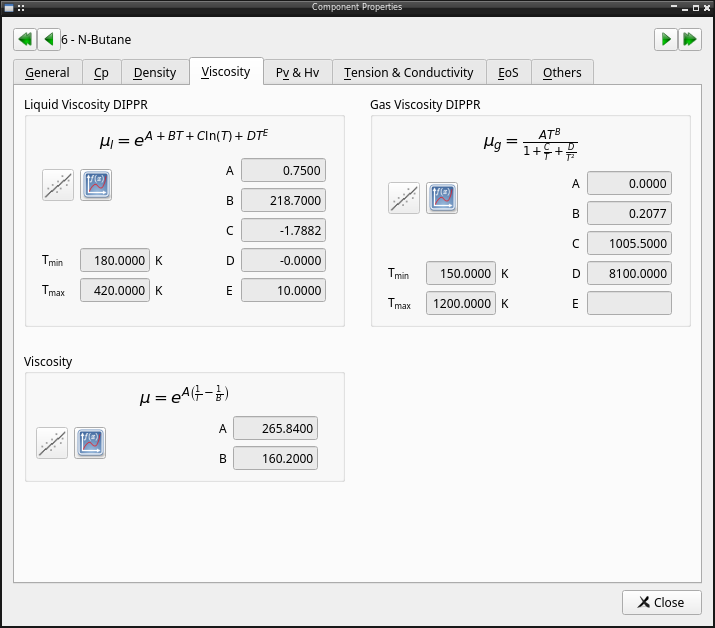
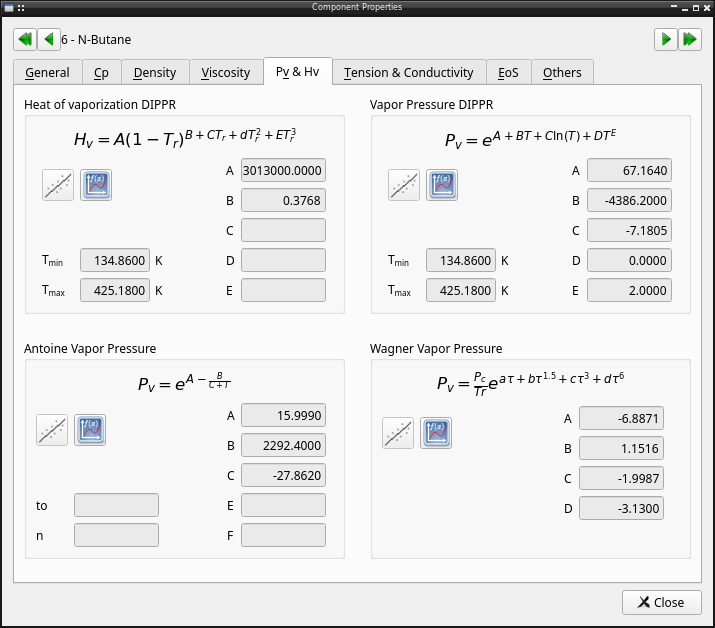
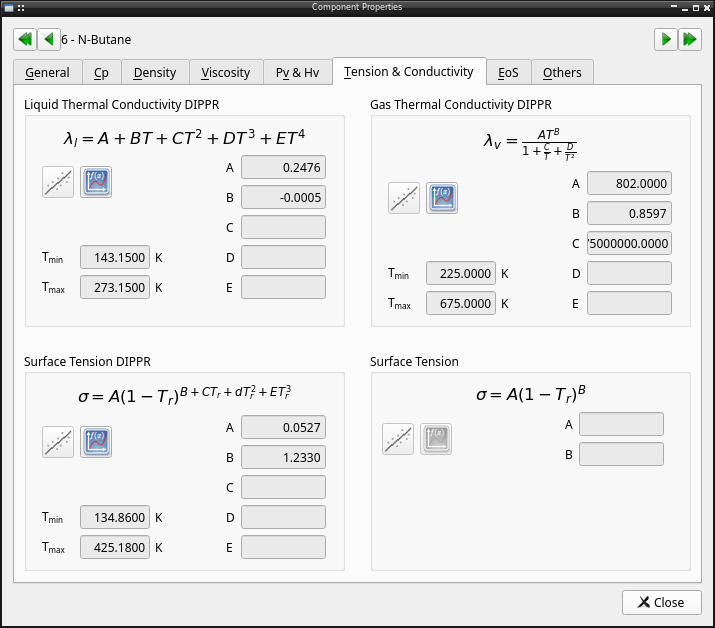
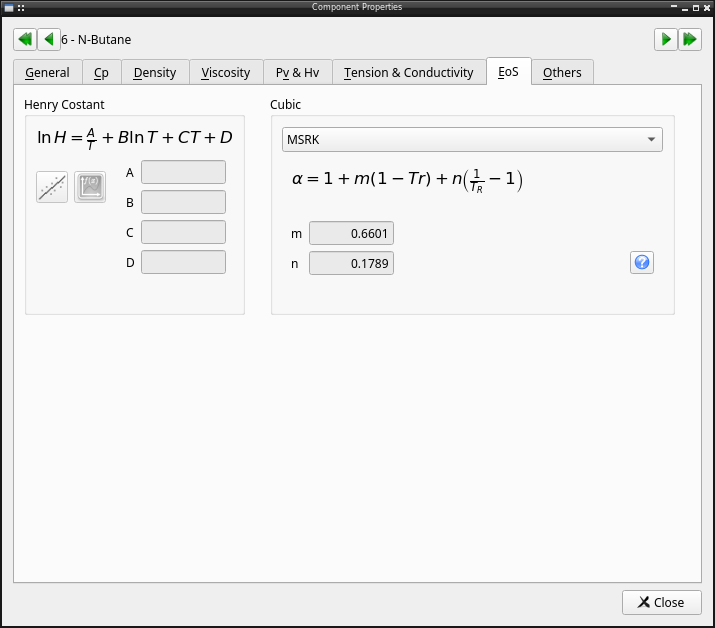
Pychemqt include a database compound with 1000 compounds including chemical and physical properties like:
Name
Formula
Molecular weight
Critical temperature
Critical pressure
Critical volume
API degree
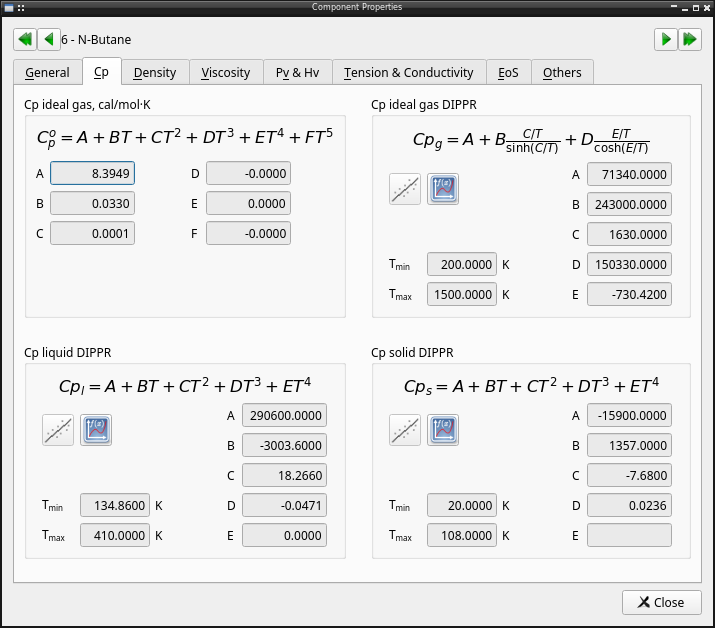
Ideal gas specific heat capacity temperature dependence parameters
Antoine vapor pressure temperature dependence parameters
Henry temperature dependence parameters
Surface tension temperature dependence parameters
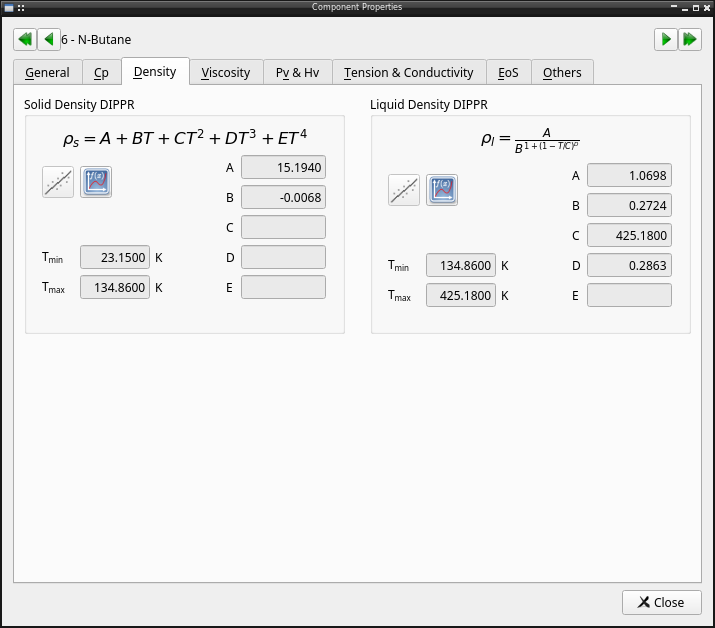
Solid density temperature dependence parameters (DIPPR)
Liquid density temperature dependence parameters (DIPPR)
Vapor pressure temperature dependence parameters (DIPPR)
Vaporization heat temperature dependence parameters (DIPPR)
Solid specific heat temperature dependence parameters (DIPPR)
Liquid specific heat temperature dependence parameters (DIPPR)
Gas specific heat temperature dependence parameters (DIPPR)
Liquid viscosity temperature dependence parameters (DIPPR)
Gas viscosity temperature dependence parameters (DIPPR)
Liquid thermal conductivity temperature dependence parameters (DIPPR)
Gas thermal conductivity temperature dependence parameters (DIPPR)
Surface tension temperature dependence parameters (DIPPR)
Dipole moment
Liquid volumen constant
Rackett constant
Specific gravity
Acentric factor
Solubility parameter
Watson constant
Stiehl constant
Normal boiling point
Normal melting point
CAS code number
Alternate formula
UNIFAC contributión
Molecular diameter
ε/k parameter
UNIQUAC area parameter
UNIQUAC volume parameter
Modified acentric factor
Enthalpy of formation
Free Gibbs enery of formation
Wilson volume parameter
Net heat of combustion
Gross heat of combustion
Alternate names
Characteristic volume
Solid heat of formation
Solid free energy
Polar parameter
SMILE code
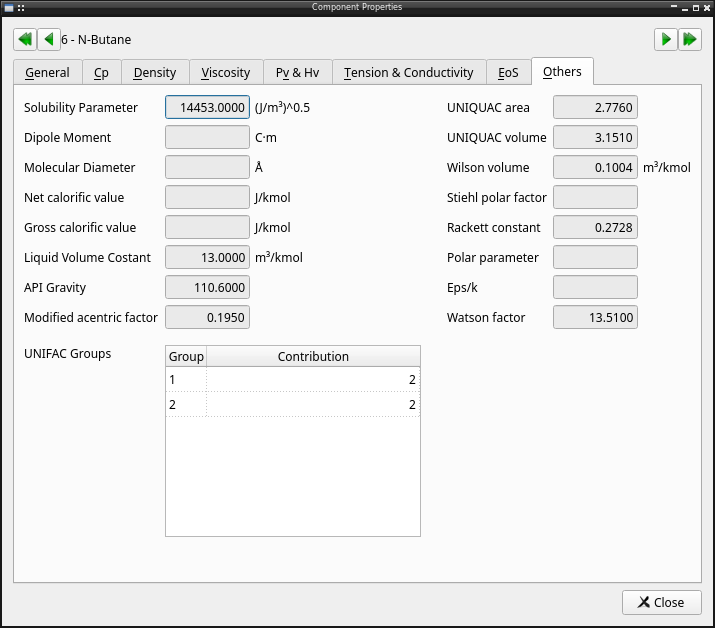
To manage the database there is a graphical tool. In this dialog it’s possible search compound by name, or chemical formula, view properties of any desired compounds, define new compounds added its properties, or clone and existing compound. The user defined comounds are saved in the file databank
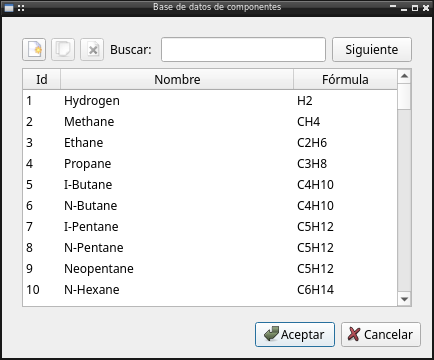
It’s possible double click over any compound to view the properties of that element
API reference
Module with chemical compounds database management
UI_databank_widget: Database widget, to use in whatever need: database dialog, proyect component list definition
UI_databank: Database dialog
API reference
- class tools.UI_databank.UI_databank_widget(parent=None)[source]
Bases:
QWidgetDatabase widget, to use in whatever need: database dialog, proyect component list definnition
- Attributes:
currentIndiceReturn index of selected element
Methods
Next()Show next coincidence with search string
buscar()Search str at database
checkButton(indice)Edit action are only available in custom database elements
Copy component from database to can edit its values
Delete selected component if its user defined
Show properties of selected component
Define new component
rellenar()Fill in list with component from database
currentRow
- property currentIndice
Return index of selected element
