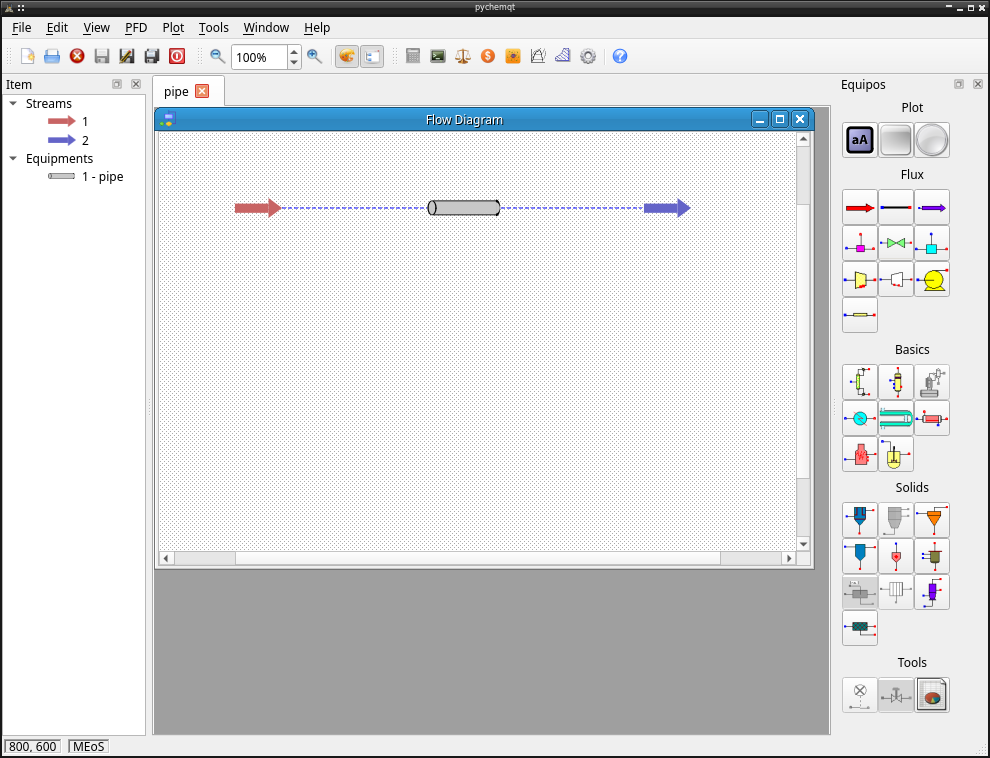
pychemqt user interface
pychemqt inclue a complete user interface
Toolbar
There are a toolbar for fast access to basic functions

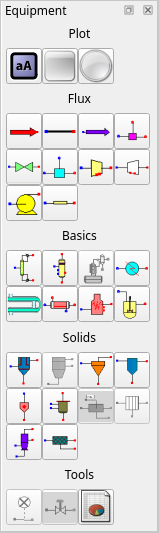
Equipment Panel
From view menu it’s possible enable the visibility of a toolbox to easy access to equipment when we are going to add it to PFD
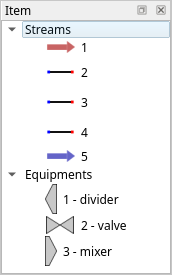
Item Panel
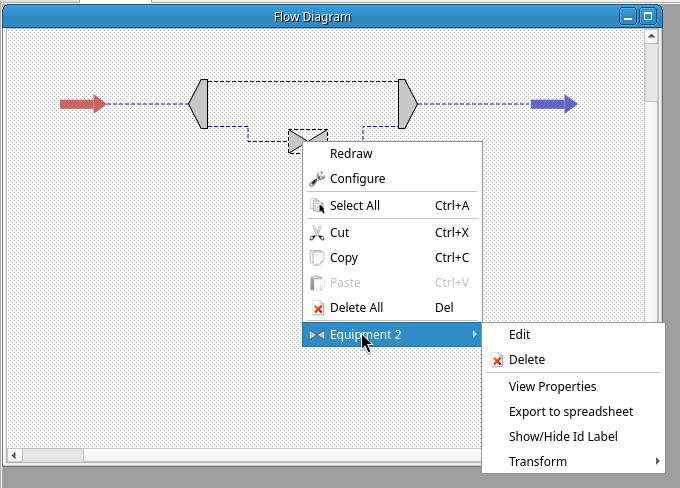
A summary of elements in PFD are shown in this pallete. With right click we have access to specific actions as in PFD
MDI Area
The central area for main program support a tab system with capacity to load several project simultaneously. In each tab with a open project we have a complete windows system with support for include different kind of window including the PDF, and other windows like mEoS related functionality, plots, tables or any more.
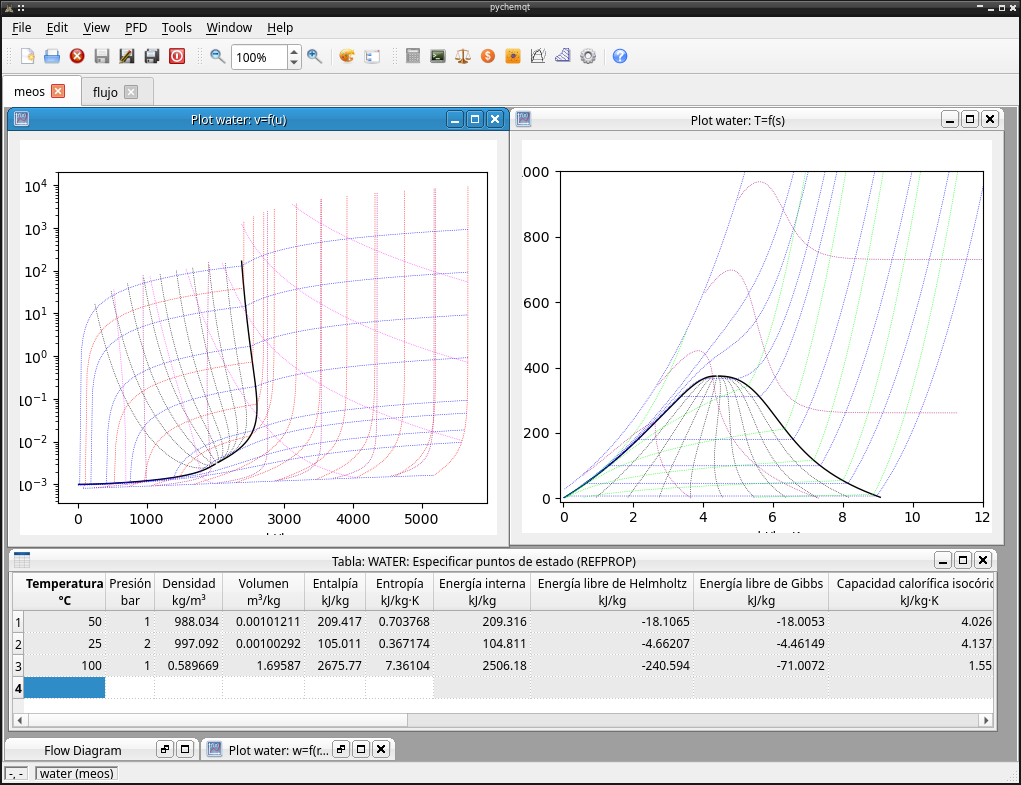
This area let common windows actions like iconify, maximize, minimize, restore, show windows in cascade or tile format… That options can be get clicking in subwindow titlebar and from window menu.
PFD
In the Process Flow Diagram windows we can manipulate the process, add stream, add equipment, edit or view its properties, or edit its appearance, etc…